PDF report
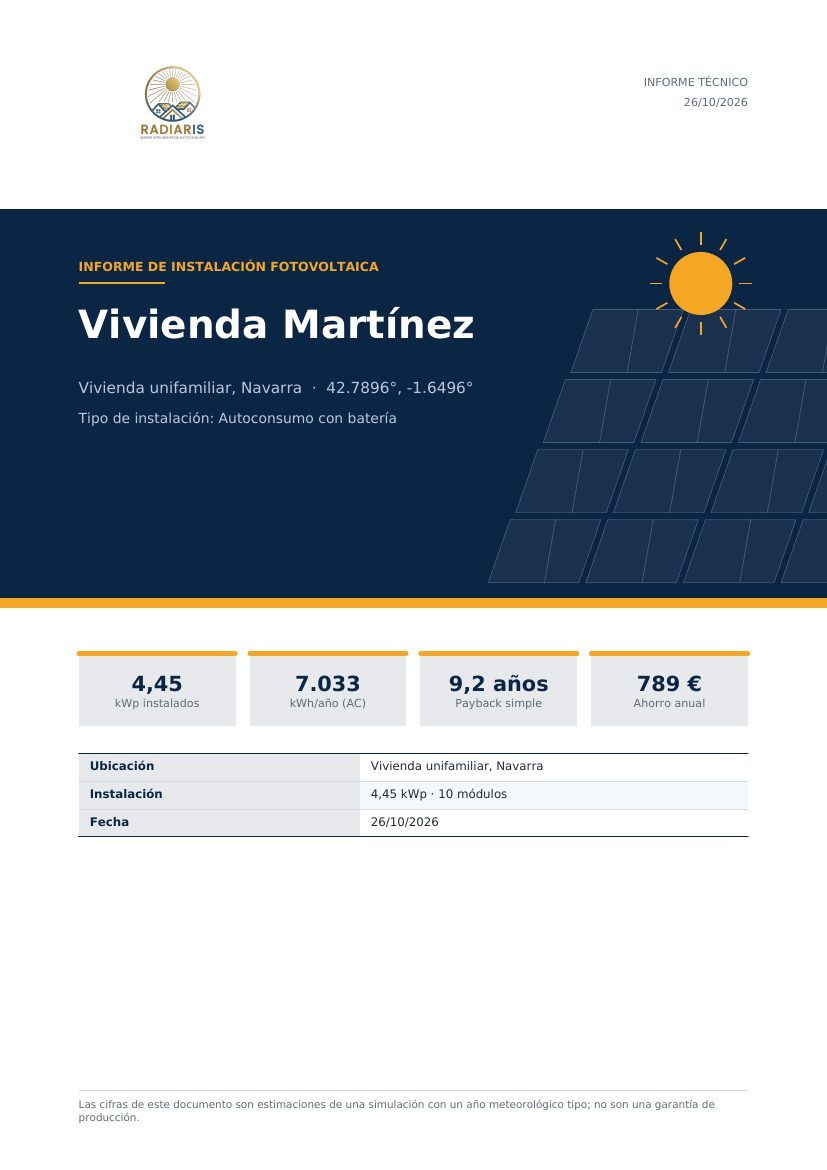
The report is the document you deliver to the client. It is generated in 7 · Scenarios and report → Technical and economic report.
Versions
| Version | Contents | For whom |
|---|---|---|
| Full (technical) | All sections, about 23 pages, with a table of contents | Technical project, engineering, banks |
| Commercial (short) | Executive summary, economic analysis and recommendations | Presenting to the end client |
Sections
| Section | What it contains |
|---|---|
| Executive summary | Verdict, key figures, production, savings, profitability |
| Installation consumption | Consumption curve and distribution |
| Components | Module, inverter, battery, with their source |
| Installation topology | Strings, MPPT, wiring diagram, cabling |
| Layout on the roof | Plan and sections with the modules |
| Annual production | Monthly table of DC and AC energy, AC/DC ratio, month of highest and lowest production |
| Typical production | A representative week in May and two typical days (January and July) |
| Energy balance | Self-consumption, export, import, battery |
| Economic analysis | CAPEX breakdown, cash flows, NPV, IRR, payback, LCOE, P50/P90/P99 uncertainty |
| Scenario comparison | Only if you have saved two or more scenarios |
| Recommendations | Observations and warnings depending on the result |
| Annex A | Methodology and references |
| Annex B | Analysis configuration (all the parameters used) |
| Annex C | Loss waterfall |
Customise
In Customise report:
- Sections included: remove or add the ones you want.
- Main colour and accent colour: so that the report carries your company's colours.
- Introductory text: a paragraph on the cover (up to 600 characters), for example «Proposal prepared for your company…».
- Include table of contents and scenario comparison.
White label
The report is delivered by your company to its clients, so it carries your logo, your name and your contact details, not those of Radiaris. It is configured in Report branding (sidebar):
- Logo (PNG, JPG or WEBP; it is resized to a maximum size and saved with a transparent background).
- Company name.
- Contact details.
It is saved per user and applied to all your reports and offers.
Language
The report is produced in the language you have selected in the application (ten languages available).
Transparency annexes
The methodology (Annex A) and the configuration (Annex B) make the report auditable: any engineer can see which models and parameters were applied. It is one of its advantages over an unexplained «result».
Before sending it
Open the PDF and check three things: that the client and project names are correct, that the prices are yours and that the validation warnings have been resolved.